July update
Another busy month, with a batch of improvements and new features — this time mostly focused on invoicing and payments. There are also smaller changes for ticketed events and the LemonBooking calendar.
Thanks, as always, to everyone who fed back on this release.
Modules for Square & GOV.UK Pay
The headline for this update: we’re pleased to introduce new modules for Square and GOV.UK Pay, giving venues more options for accepting online payments. Square offers a similar service to SumUp, with online payments and card readers.
GOV.UK Pay is built by the Government Digital Service for government and public sector organisations to take payments online. Note that a gov.uk email account is required to sign up.
New option to set invoice due dates
For one-off events, customers are often expected to pay in full several weeks before the event — not a fixed number of days after the issue date, as is common with other types of invoicing. LemonBooking can now generate invoices with a due date set a number of days before the first date in the booking:
Billing email for the venue
The venue profile page now has an extra option for a dedicated billing email address, alongside the existing booking and contact email options.
Option to bulk upload payments
A new option on the Payments page lets you upload a bank statement to quickly reconcile bank receipts against invoices in LemonBooking.
Online payments continue to reconcile automatically.
New calendar setting
Bronze plan customers using a third-party calendar (Google, Outlook and so on) can now embed it directly in the LemonBooking admin section by pasting the calendar’s embed code into the calendar system settings.
New options for ticketed events
You can now use date ranges to control exactly when each event is visible on your site and when tickets are on sale. For example, ticket sales could stop automatically the day before the event, and the event could disappear from your website the day after it’s finished.
Shortcut for deleting booking sessions
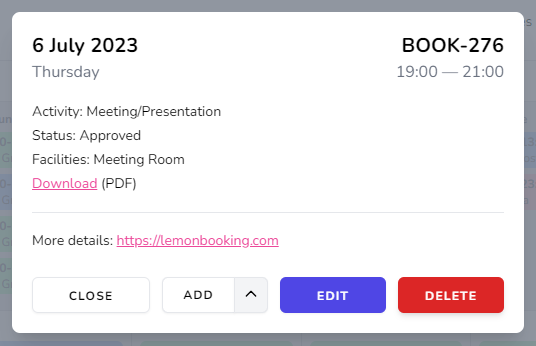
You can now delete a booking session straight from the calendar — click the session you want to remove and press Delete.